Start the Agent
After the Mac preparation and Agent Installer command are completed, start the agent from the Mac terminal.
Start Command
Navigate to the agent directory:
Run the start script:
Keep the terminal session running while the Test Node is in use.
Verify the Test Node
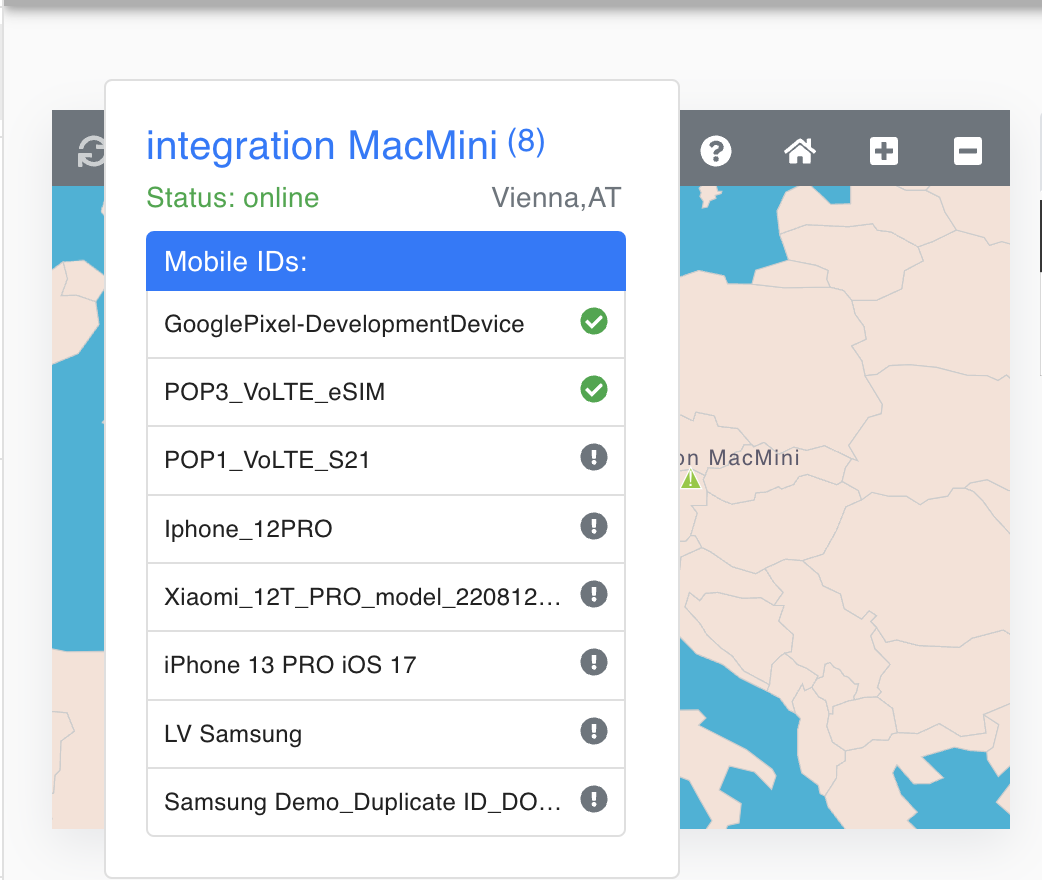
Open the customer dashboard:
The Test Node should appear as online on the map. If it does not appear online, verify that the Mac is awake, connected to the internet, and that the agent terminal is still running.