App Management
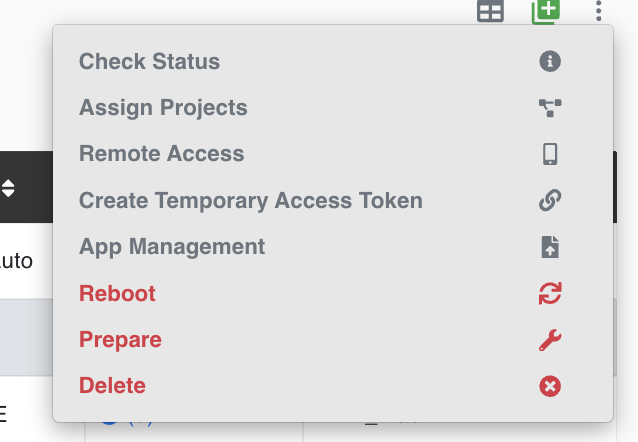
The App Management action is used to upload an APK file and install it on the selected mobile device. This option is shown in the Mobile ID actions dropdown when the selected device model is Samsung or Xiaomi.
Install an APK
- Open Using the TEO Web UI -> Mobile ID's.
- Find the Samsung or Xiaomi mobile device where the APK should be installed.
- Open the Actions dropdown for that Mobile ID.
- Select App Management.
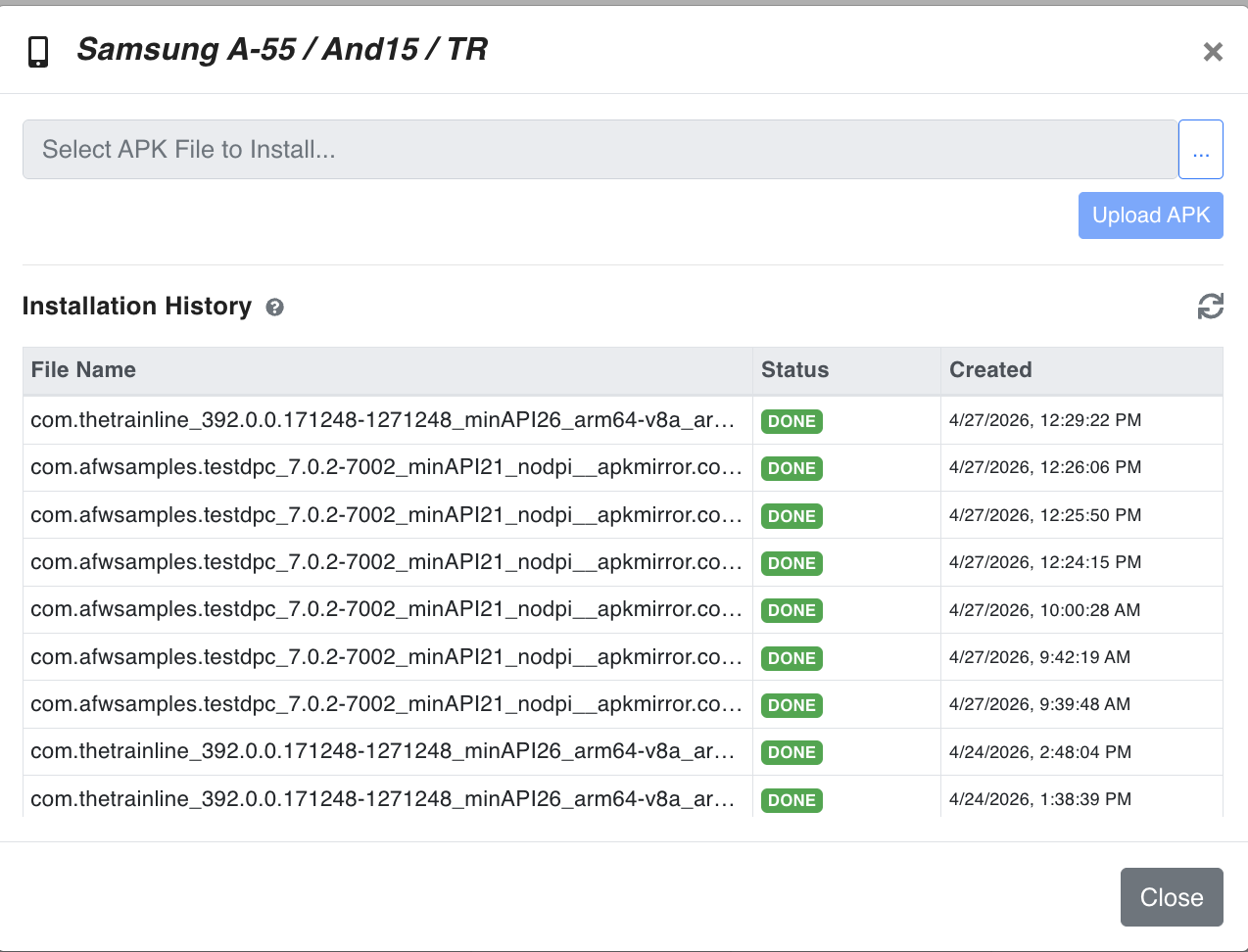
- In the App Management dialog, select the APK file from your computer.
- Click Upload APK to start the installation on the selected phone.
Installation History
The dialog shows the previous APK installation attempts for the selected device.
| Column | Description |
|---|---|
| File Name | The uploaded APK file name. |
| Status | Current installation result. DONE means the APK was installed successfully. |
| Created | The date and time when the APK installation request was created. |
Use the refresh icon to update the installation history after uploading a new APK.