Test Suites
Test Suites can be defined simply as Test Case collections. Use a Test Suite to run several test cases together, to schedule them, or to repeat them. A single test case can also run on its own, without a suite, as a Direct Run. Simply Create a new Test Suite or Edit and add your test case to an existing Test Suite.
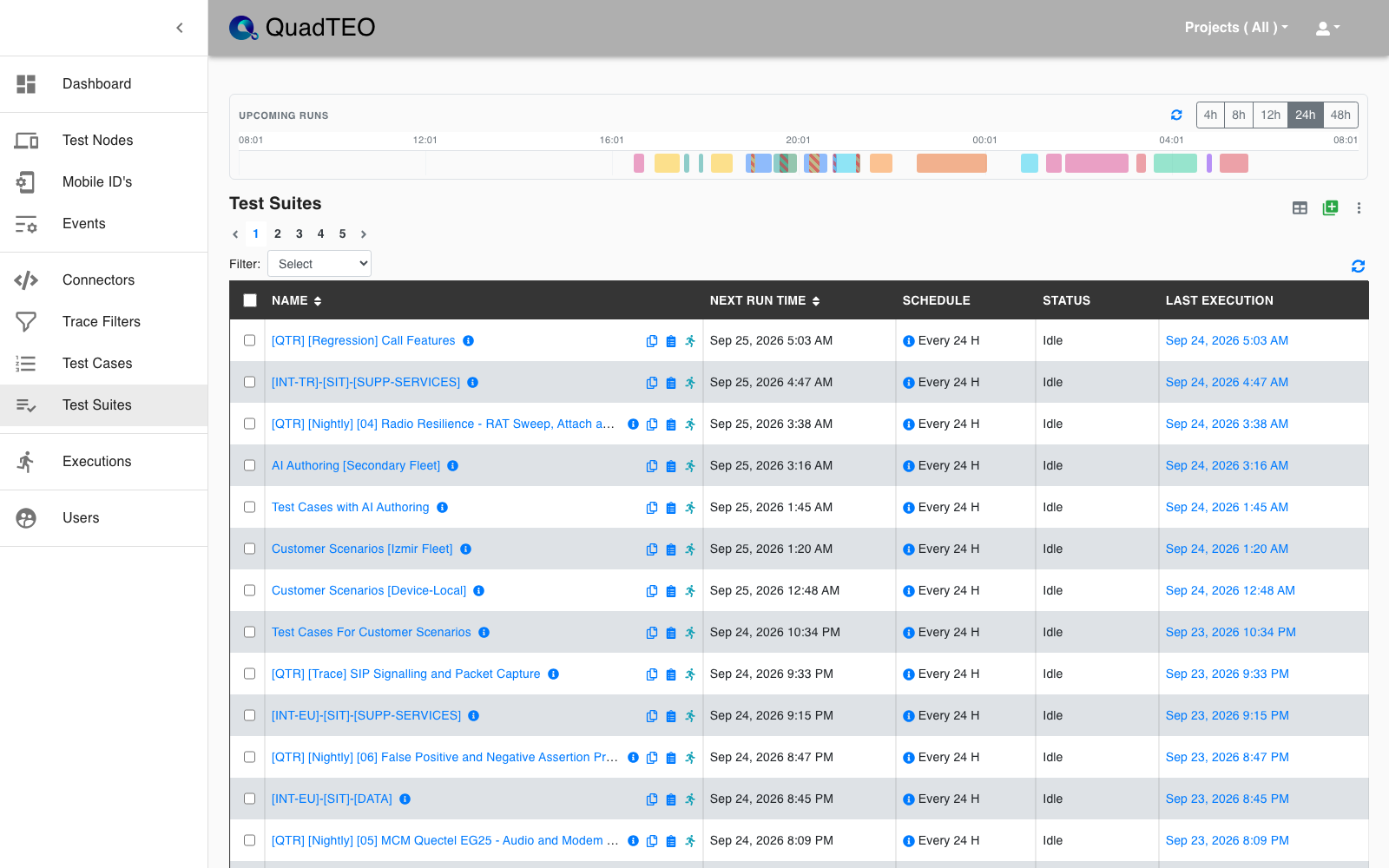
The Upcoming Runs timeline at the top shows the runs scheduled in the coming hours.
The Test Suites list
| Column | Description |
|---|---|
| Name | The suite name; click it to open the suite. |
| Next Run Time | When the suite runs next (sortable). |
| Schedule | The repeat interval, for example "Every 24 H"; ⓘ shows the Schedule Details. |
| Status | Running or Idle. |
| Last Execution | A link to the latest execution. |
Updated, Email and Statistics can be added with the Set Table Columns icon.
Row icons:
- ⚠: the suite may conflict with another suite's schedule (see Schedule Conflict Detection).
- Copy the name.
- Run History (see Run History).
- Envelope: e-mail notifications are set; hover to see "Notifications are sent to: …".
- Run Now (a spinner while the suite runs).