Overview
Test Nodes are representing the locations where the Agent is running. During initial setup, the config file specific for each location has to be downloaded from the UI to allow the Test Node to connect to AWS.
The Status of the Test Node can also be easily checked from this menu.
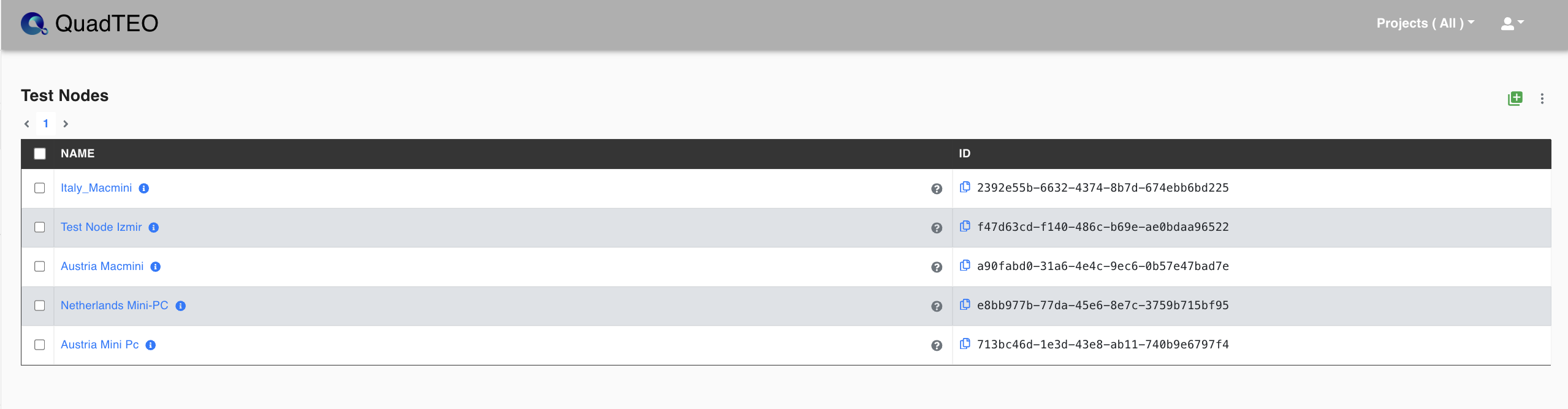
| Parameter | Value |
|---|---|
| Name | Friendly Name for Test Node |
| ID | Test Node Id |
| Project | Assigned to Project |
| Actions | Agent Installer , Assign Projects , Check Status , Restart Agent , Delete |