Create a new Test Case
In order to create a new Test Case user will need to press the button on Test Case area. An empty Test Case window will pop-up:
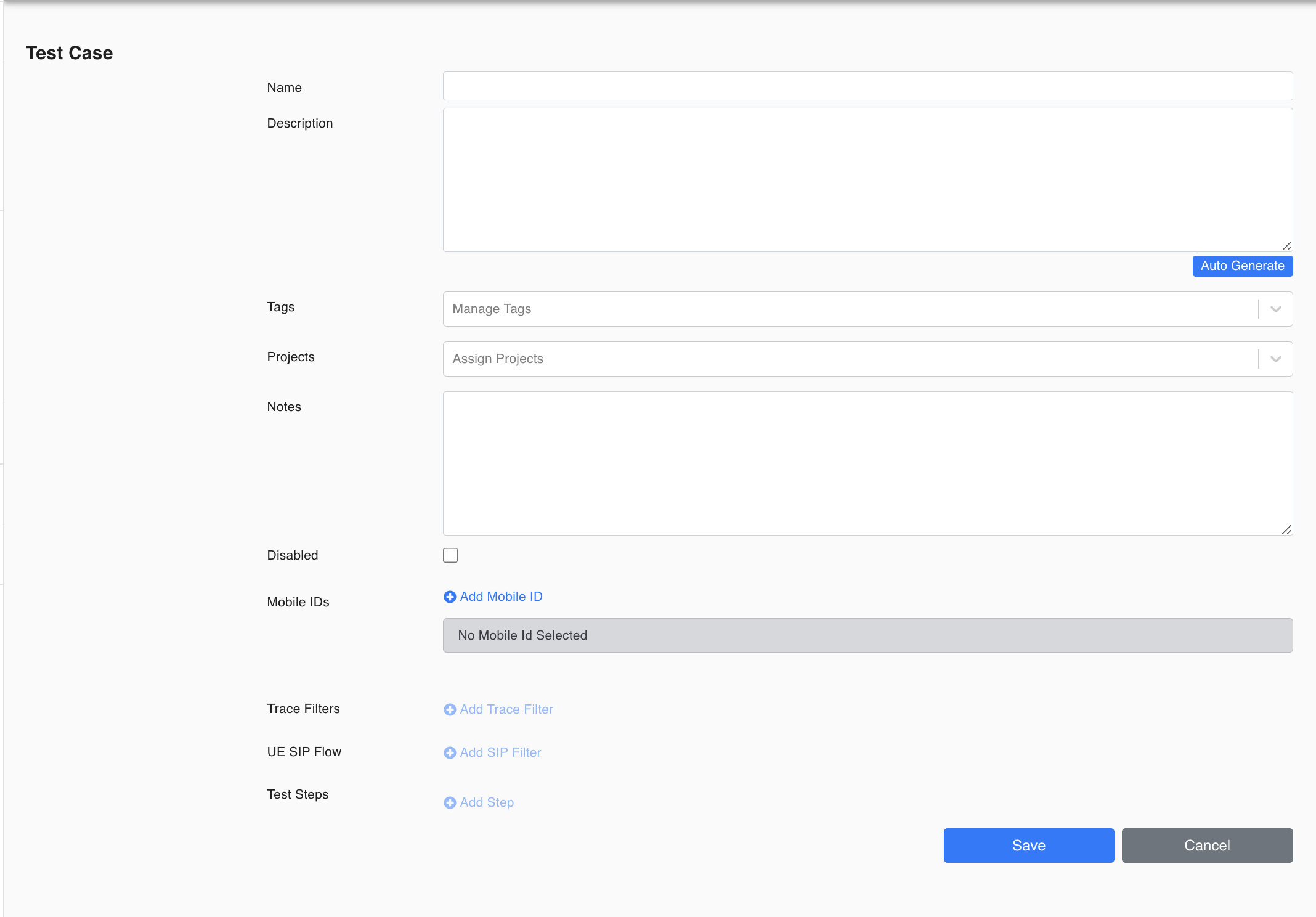
Start building your Test Case step by step. Please refer to the Functions section in case a detailed description is required for each test step.
NOTE: Test Case Description Area: The description area will be displayed in Test Case Logs. Users can manually add a test case description or can automatically generate a description based on selected Test Steps.
NOTE: This area allows the user to insert any comments/notes for that test case. Information from this tab is not inserted or copied to any logs. Its purpose is just to provide a comments area for users (leave comments for other users, save filters, mark changes, etc.)