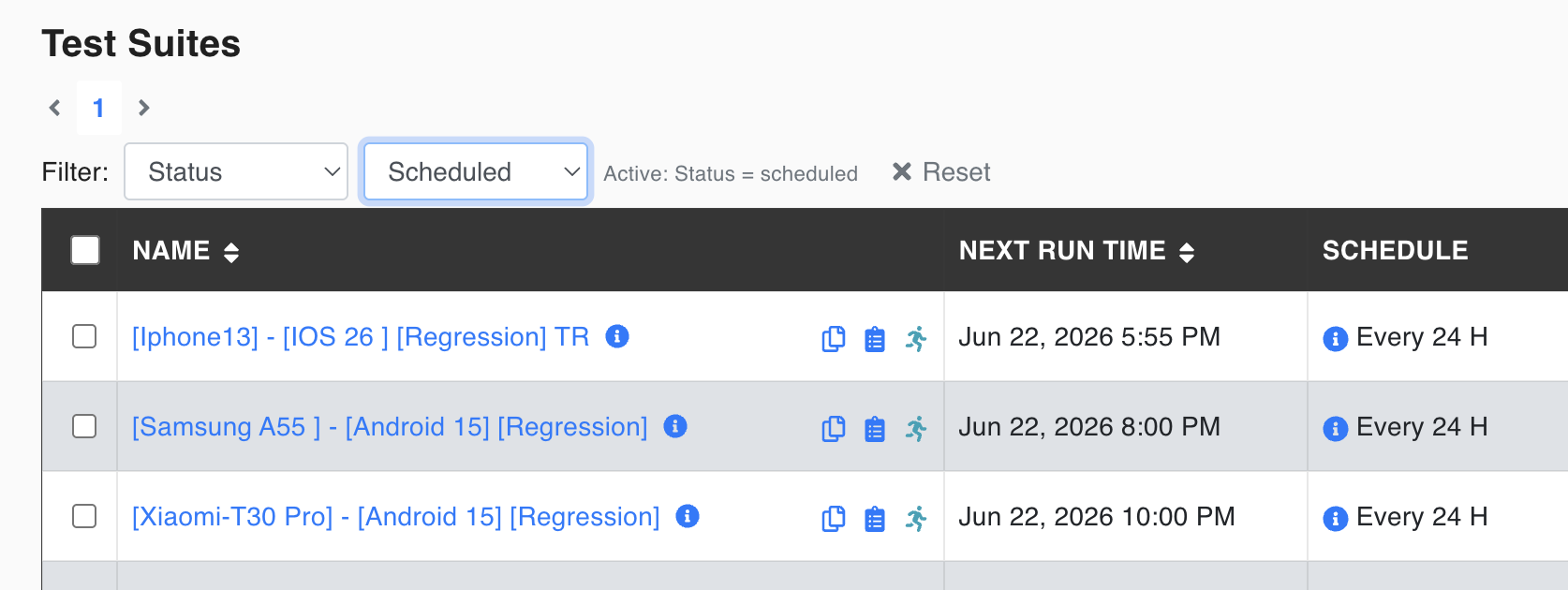
Test suite filters
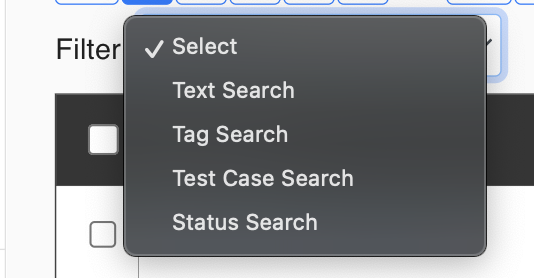
Choose a filter type and its value, then apply it. An Active: … summary shows the filter in use; click Reset to clear it. The filter is kept when you come back to the page in the same browser.
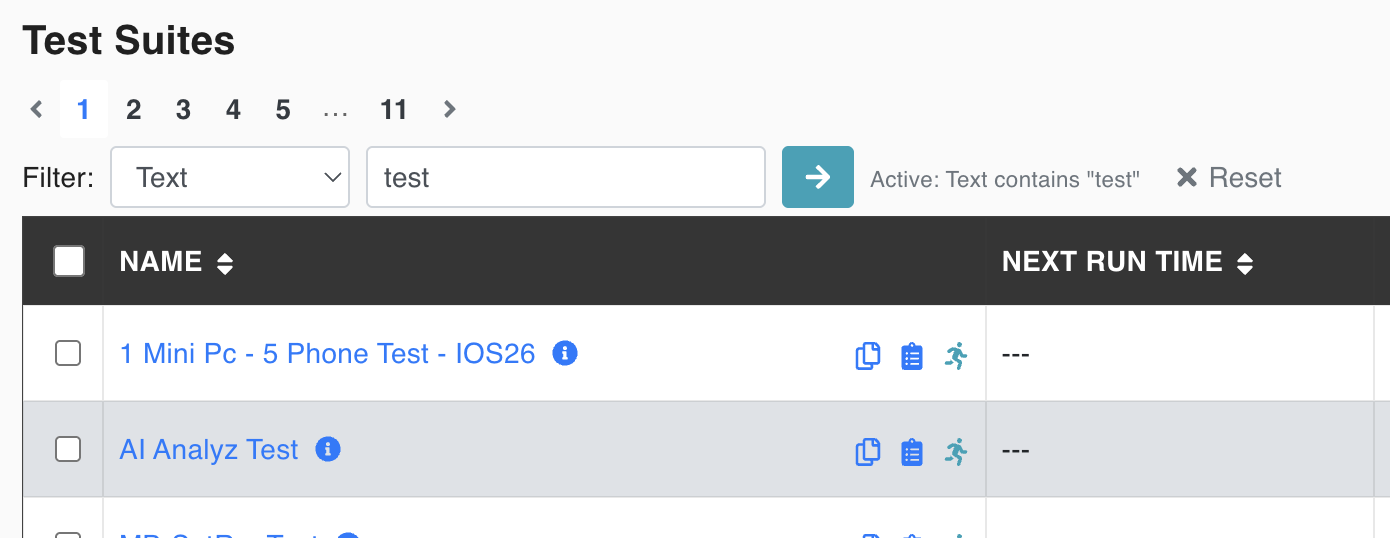
Text
Search by Test Suite name
Tag
Filter Test Suites by the tags assigned to them.
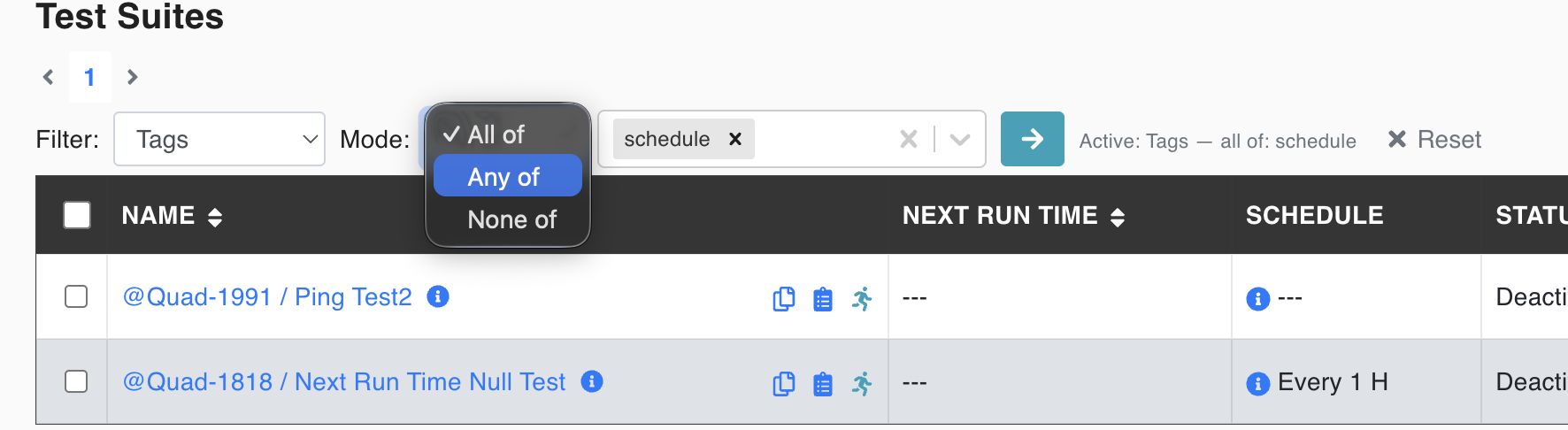
Choose Tags in the Filter dropdown, then pick one or more tags. The Mode dropdown controls how the selected tags are matched:
- All of — only Test Suites that have every selected tag are shown.
- Any of — Test Suites that have at least one of the selected tags are shown.
- None of — Test Suites that have none of the selected tags are shown.
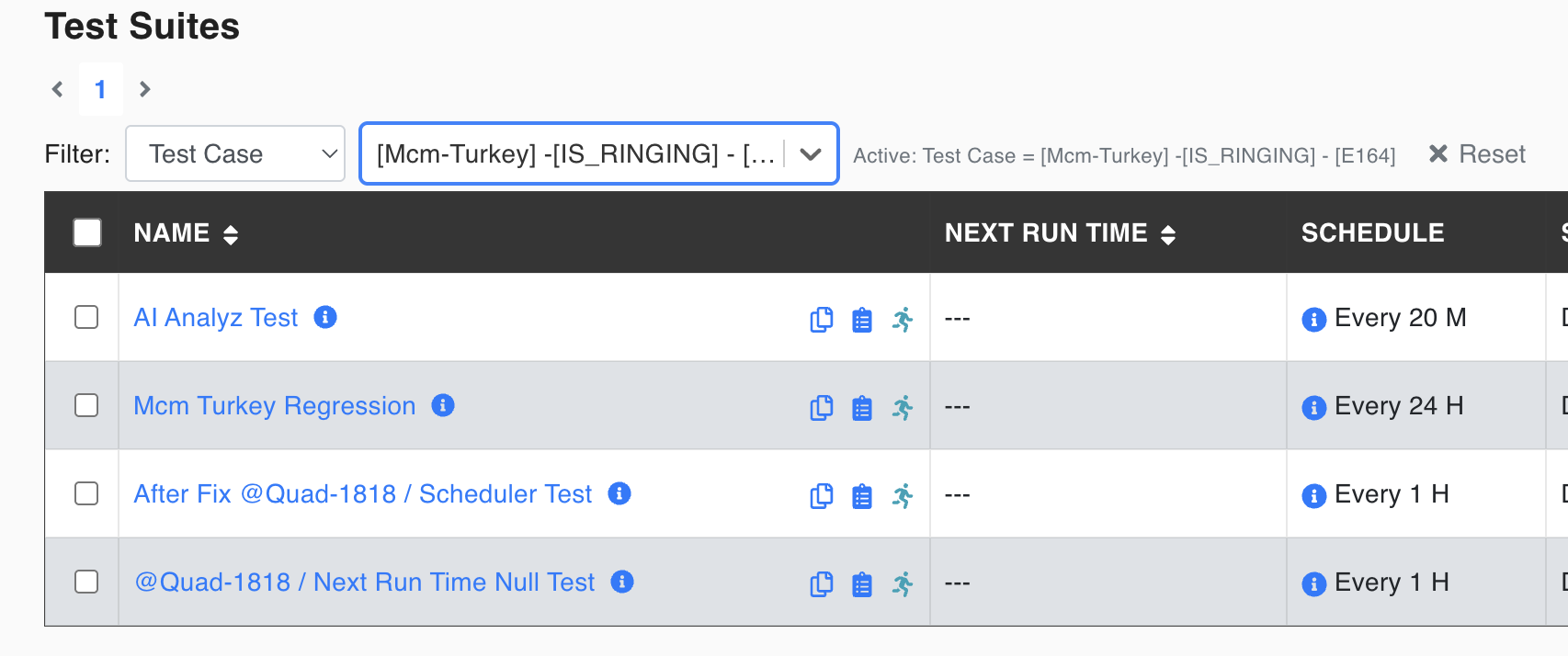
Test Case Search
The test suites to which the selected test case has been assigned will be listed.
Status
It filters the test suites based on their status: Running or Scheduled.