Mobile Device Status
Depending on the status of the mobile device, you will see different modal dialogs. Below are the examples of the modal dialogs for an active and an inactive device.
Active Device
When the device is active, the modal dialog shows detailed information about the device including its availability, MSISDN, IMSI, UDID, device model, OS version, and battery status.
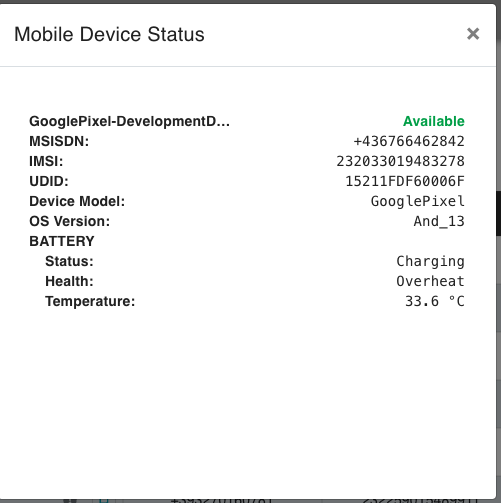
Details shown for an active device:
- Device Name: GooglePixel-DevelopmentDevice
- Availability: Available
- MSISDN: +436766462842
- IMSI: 232033019483278
- UDID: 15211FDF60006F
- Device Model: GooglePixel
- OS Version: And_13
- Battery Status:
- Status: Charging
- Health: Overheat
- Temperature: 33.6°C
Inactive Device
When the device is inactive or not connected, the modal dialog simply indicates that the device is not connected.
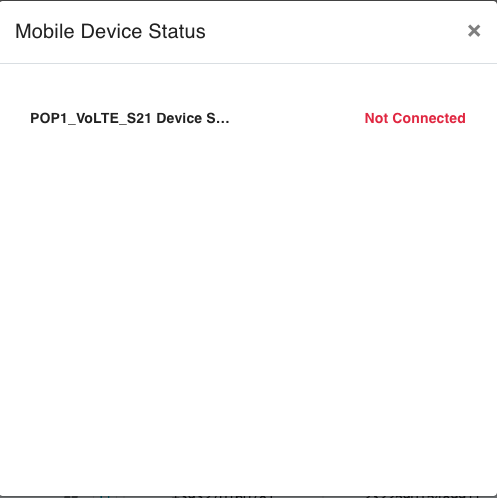
Details shown for an inactive device:
- Device Name: POP1_VoLTE_S21 Device
- Availability: Not Connected