Stop
To view the change history of a test suite, follow these steps:
- Select a Test Suite: Choose the test case for which you want to view the assign to project.
- Open the Action Dropdown: Click on the Action dropdown menu.
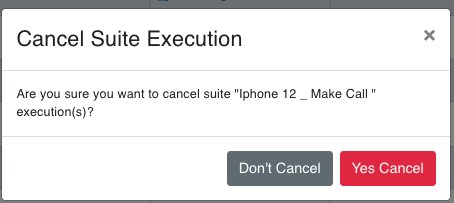
- Select "Assign Project": Choose the "Cancel" option from the dropdown.