Adding Trace Filter to a Test Case
Below are the steps to add a trace filter to a Test Case.
-
Create a Test Case with the test steps from the Test Case tab of the TEO UI.
-
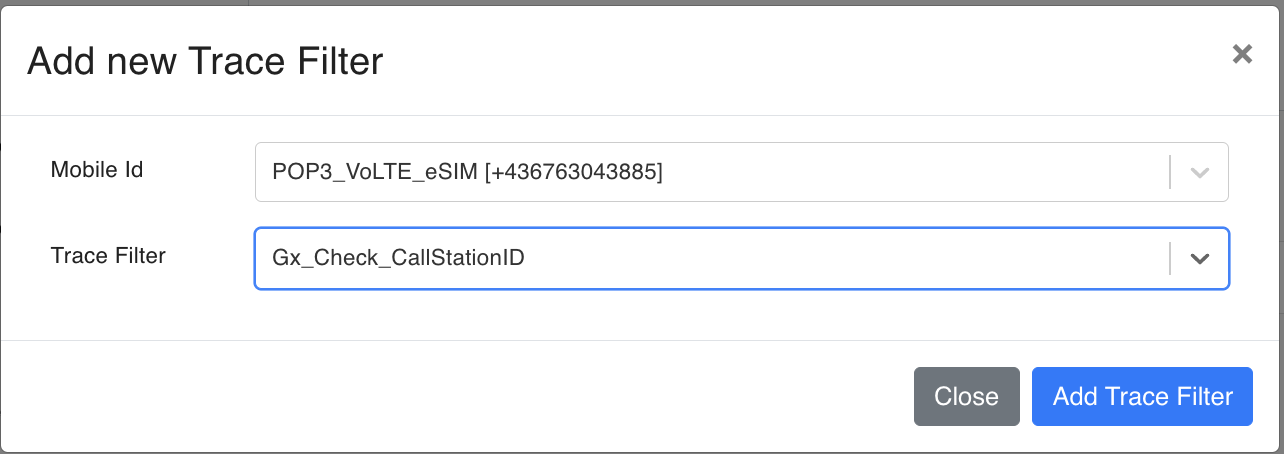
Under the MobileIDs, click on the “Add Trace Filter“ button.
-
Select the Mobile ID and the Trace Filter created before.
-
Save the Test Case.
-
Below are the example screenshots.